SEO content plan: search intent, titles and meta descriptions, internal linking
Not more posts, but pages that do their job: a guide to separating search intent, giving each page one job, writing honest titles and meta descriptions, and building internal links.
If you add posts to your blog regularly but visitors and enquiries from search are not growing, the problem is usually the plan, not the number of posts. Three separate posts may have been written on the same topic, the titles may look alike, and none of the posts may link to a service page.
In this guide we explain how to build a content plan from scratch: separating search intent, giving each page a single job, writing titles and meta descriptions honestly, and connecting pages with internal links.
The goal is not to produce more pages. The goal is to give a clear answer to the visitor's question with fewer pages that actually do their job.
What is search intent, and why does it come before keywords?
Two people searching for the same phrase can expect different things. Someone searching for "website price" wants to learn what affects the price. Someone searching for "Turgutlu web design" is most likely ready to talk to a nearby company. A guide is the right answer for the first, and a service page for the second.
In practice, you can think of intent in four groups:
- Informational: Searches aimed at learning, such as "what is hreflang" or "how to store olive oil".
- Comparison: Pre-decision searches such as "corporate site or e-commerce".
- Transactional: Searches ready for action, containing words like "get a quote", "price" or "order".
- Local and brand: Searches using a company name, a district name or "near me".
The easiest way to understand the intent behind a phrase is to search for it and look at the first page. If most of the results are guides, it is hard to get in there with a product page. If maps and company websites dominate the results, you need a strong service page or local page rather than a long blog post.
How do you build a content plan step by step?
A good plan starts from the questions your customers actually ask. For one week, note down the questions you hear most often on the phone, on WhatsApp, in the shop or at trade fairs. This list is a more valuable starting point than any keyword tool.
- Collect customer questions and search phrases in a single list.
- Tag each phrase by intent: informational, comparison, transactional or local.
- Merge phrases that answer the same question into one group.
- Assign a single page to each group: a service page, a category page or a guide.
- If your site already has a page that answers this group, update it instead of starting a new post.
- Define the visitor's next step for each page.
- Put the publishing order into a calendar, starting with the topics closest to a sale.
Think of a furniture manufacturer in Turgutlu. The phrases "solid wood table care", "how to clean a wooden table" and "how to remove a scratch from a table" are parts of the same need. One comprehensive care guide works better than three short posts. This guide is then linked to the dining table category, so the reader reaches the products in one click.
One page, one job: how do you prevent content overlap?
Pages that are very similar compete with each other for the same search. The search engine struggles to decide which one to show. The visitor can't tell which page is up to date, either.
Pages duplicated by city name are the most common example. If only the city name changes between the "Izmir web design", "Manisa web design" and "Turgutlu web design" pages, they tell the reader nothing new. A regional page only makes sense if it carries real information specific to that region. The area you serve, the option of meeting in person, and real types of work from the region are examples of such information.
When you notice an overlap, move the good ideas from the weaker page to the stronger one. Then permanently redirect (301) the old address to the new page. That way old links and bookmarks don't go to waste.
How do you write titles and meta descriptions?
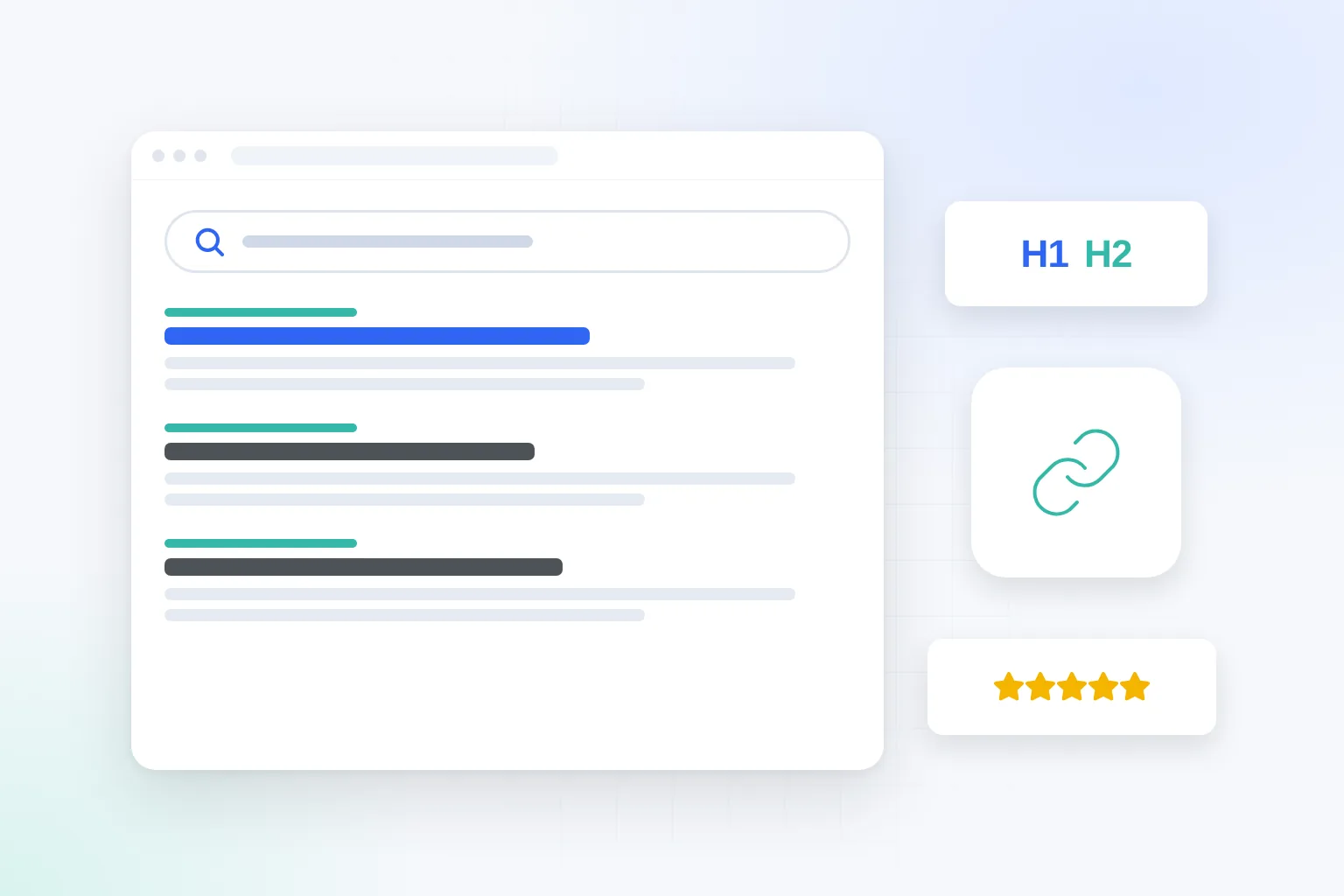
The title tag is the clickable line shown in search results. The meta description is the short text below it. Together they are the page's shop window and should describe the information the page actually provides.
For titles, the following rules are enough for most pages:
- Put the main topic near the beginning and the brand name at the end.
- Keep it short; long titles can be cut off in search results.
- Write a separate title for each page; don't copy from a template.
- Don't promise something the page doesn't deliver.
In the meta description, explain in one or two sentences which question the page answers and what the reader will find. Google may not always show the description you wrote. Depending on the search phrase, it may pick another part of the page. That is why it matters that the description is consistent with the body text.
For example, for an olive oil producer's post on early harvest oil, a title like "What is early harvest olive oil and how should you store it?" and a plain description covering harvest time, taste and storage conditions is enough. Exclamation marks, capital letters and claims like "the best" are not needed.
When the promise in the title doesn't match the page's content, visitors leave quickly. An honest title makes sure the person who clicks arrives with the right expectations.
Internal linking: how does a blog post connect to a service page?
An internal link should offer the visitor a meaningful way to continue. Putting a sales link in every paragraph tires the reader. The right approach is to point, within the flow of the post, to the page that answers the next question.
A practical structure works like this. The service page is the centre of the topic. Guides cover preparation, comparisons and frequently asked questions related to that service. Each guide links to the relevant service page at least once. The service page, in turn, links to the two or three most useful guides.
The link text should say what the target page is about. Writing "local SEO guide" instead of "click here" tells both the reader and the search engine what the page is. For example, for a business that wants to appear in map results, the Turgutlu local SEO guide is a natural next step. For those who want to build the whole plan with an expert, the SEO service page is the hub page.
Pages that receive no links from anywhere are called orphan pages. Connect them to the site through the menu, a category page or a related posts section. If you need to use the site search to reach a page, that page is also hard for a search engine to find.
Common mistakes
- Repeating the keyword in every sentence and making the text unreadable.
- Writing several short, shallow posts on the same topic.
- Publishing machine-translated or copied text without editing it.
- Leaving the same title and meta description on every page.
- Publishing posts without linking them to any service page.
- Deleting an old post without setting up a redirect.
- Treating the publication of a post as a guarantee that it will rank.
Checklist
After publishing each new page, check the following:
- The page loads and is easy to read on mobile.
- The title and meta description were written specifically for this page.
- The canonical address points to the page's own address.
- There is at least one link from the post to the relevant service page.
- The page receives a link from at least one other page.
- Similar old content has been merged and redirected.
- The page's indexing status in Search Console was checked a few weeks later.
When evaluating Search Console data, compare periods of the same length. For example, compare the first four weeks of this month with the first four weeks of last month. Impressions, clicks and average position should be read together; a single metric can be misleading.
When should you get expert support?
If your site has many old posts, the content has become tangled, or addresses will change during a site redesign, working out the plan with an expert saves time. For a small site, you can apply the steps in this guide with your own team.
If you would like support with writing the posts, take a look at our content production page. We can review your existing content together and put together a simple plan.

Let us hear about your situation and map out the right path for you, free of charge.