Don't lose incoming enquiries: form, email, WhatsApp and CRM flow
A practical flow guide for collecting enquiries from web forms, email, phone and WhatsApp in one place, assigning owners, defining statuses and preventing lost leads.
A customer fills in the quote form on your site, sees the "We've received your request" message and starts waiting. But the notification email landed in the spam folder, or was never sent. No one calls. A few days later the customer signs with another company, and you never even knew the enquiry existed.
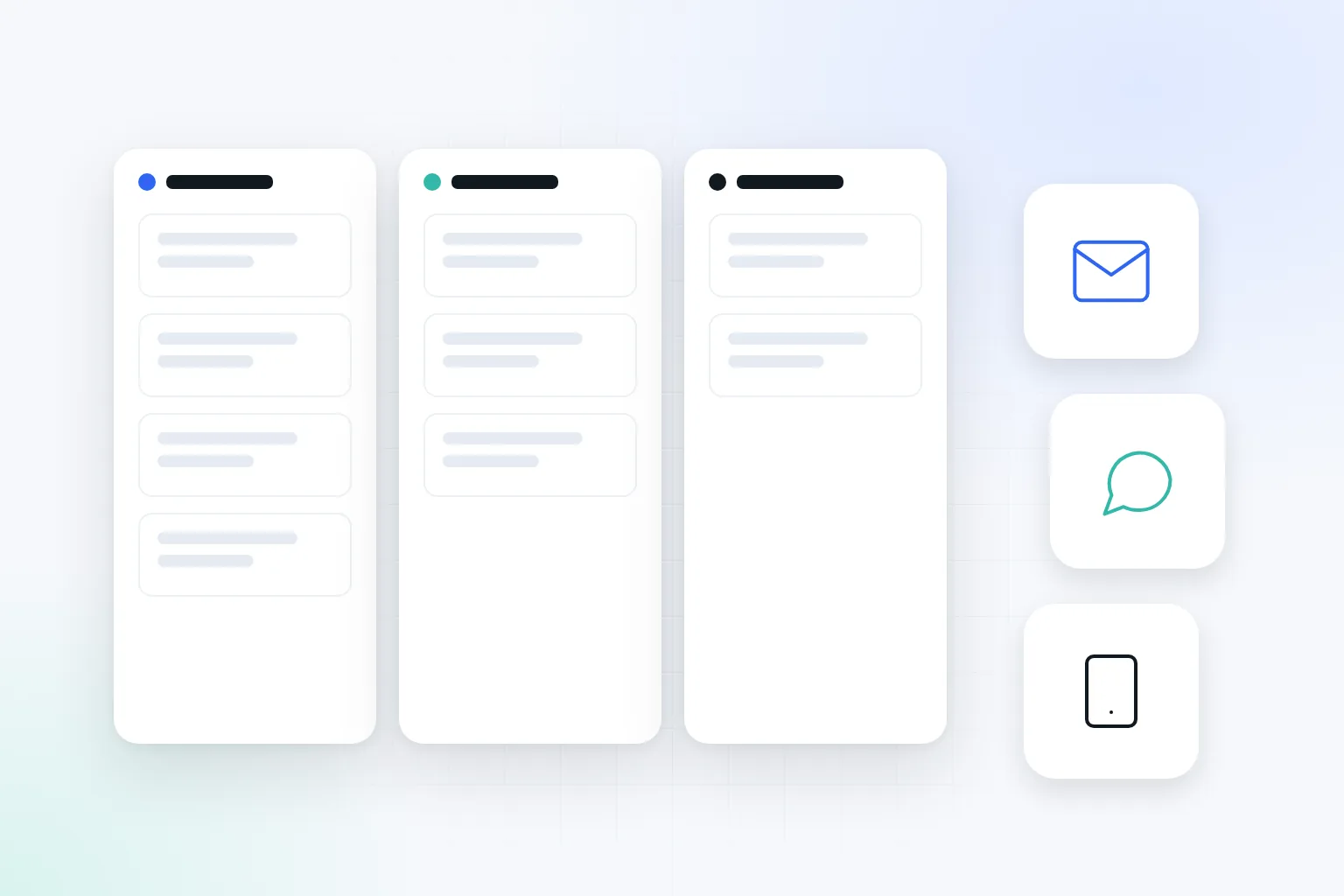
Enquiries are usually lost not through one big mistake but through small gaps. The email from the form sits in one person's inbox. The WhatsApp message is forgotten on the sales rep's personal phone. The enquiry that came by phone is written on a piece of paper. In this guide we explain how to bring these channels together into a single flow.
Where are enquiries being lost?
Before choosing new software, make today's flow visible. Write down on paper the steps an enquiry goes through from first contact to quote. For each step, write who receives the information and who they pass it to.
While drawing this map, ask these questions:
- Which channels do enquiries come from: form, email, phone, WhatsApp, Instagram, trade fairs?
- Who follows each channel, and what happens when that person is on leave?
- How many times is the same information typed by hand into different places?
- Where can you see whether an enquiry has been answered?
- Can you find out afterwards why a deal was lost?
Automating an unclear process means repeating mistakes faster. So clarify the process first, then the tool. Sometimes the problem is solved not by new software but by a clear owner and a shared list.
How do you make a web form reliable?
A form's most important job is to record the enquiry. Sending an email is its second job. These two operations should be thought of separately: when the email server fails, the enquiry must still be recorded somewhere.
A reliable form flow is set up in this order:
- When the form is submitted, the enquiry is first saved to the database or CRM.
- If the record is saved successfully, a thank-you message is shown to the user.
- Then a notification email is sent to the team.
- If the email can't be sent, this error is logged separately and made visible to an administrator.
- A short email goes to the customer saying their enquiry has been received and when they will hear back.
- The enquiry is assigned to the responsible person and waits in the "New" status.
To keep notification emails out of the spam folder, the sender address should be on your business's domain. Correctly configured SPF, DKIM and DMARC records on your domain improve deliverability. The sender address should be the business's account, and the reply-to address should be the customer's email. That way, when the team clicks "reply", they write directly to the customer.
Ask only for the information you need for the job. A name, phone or email, the service or product of interest and a short note are enough for most businesses. Because you are collecting personal data, show the privacy notice clearly next to the form. The number of fields and how the form works on mobile also affect the number of enquiries; we covered this separately in the landing page and mobile form guide.
Spam protection is also part of the flow. Invisible verification fields and simple filters weed out a large share of fake submissions without bothering real customers. But if the filter is too strict, real enquiries can be blocked too. So review blocked submissions for a while as well.
How do you collect WhatsApp, phone and email enquiries in one place?
Not every enquiry needs to flow into the CRM automatically. What matters is that every enquiry gets into the same list one way or another.
For phone enquiries, the team can open a short record as soon as the call ends. For WhatsApp, using a shared number owned by the business and WhatsApp Business keeps messages from staying on personal phones. If message volume is high, integrations that connect WhatsApp to the CRM can be considered. At low volume, recording important conversations by hand is enough.
It is also useful to measure clicks on the WhatsApp and phone buttons on your site. That way you can see how much each channel is used. We explained the measurement setup in the GA4 and UTM guide.
How do you define statuses and owners in a CRM?
If it isn't visible who an enquiry belongs to and what the next step is, the CRM turns into just a list. Statuses need to be understood the same way by the whole team.
For most businesses, these statuses are enough:
- New: The enquiry has come in and no one has responded yet.
- Contacted: The first conversation with the customer has taken place.
- Quote sent: A price or proposed solution has been sent.
- Won: The job has been confirmed.
- Lost: The job didn't happen; it was closed with a reason selected.
Assign an owner and a next action date to every enquiry. These two fields prevent two people from responding to the same customer, or the enquiry being forgotten. Record loss reasons with fixed options rather than free text: price, timing, out of scope, no response and so on. After a few months, this data gives you a real picture.
Also set a first-response target for the team. For example, you could set a measurable rule such as "same-day response to enquiries received during working hours". What to do when the target is missed matters as much as the target itself. Write down in advance who the enquiry will be handed to if the owner is on leave. For enquiries arriving at weekends and during public holidays, state clearly in the confirmation email to the customer when you will get back to them.
Imagine a company in Turgutlu that makes PVC doors and windows. Enquiries come in through the form, by phone and on WhatsApp. The company collects all enquiries in a single CRM list. An enquiry given a site survey appointment moves to "Contacted", and one that receives a price after measurement moves to "Quote sent". Every Monday, enquiries whose next action date has passed are reviewed in a short meeting.
Which step should you automate first?
Don't try to automate everything at once. First choose tasks that repeat and have clear rules. Recording the enquiry in the CRM, sending a notification to the owner, and reminders for enquiries whose next action date has passed are good starting points.
Tasks such as setting prices, deciding on discounts or replying to a special customer should stay under human control. When you set up an automation, also write down who will look into it when it fails. So that the flow doesn't stop when the person who set it up leaves, keep access in business accounts and prepare a short usage note.
Common mistakes
- Sending form enquiries only to email and storing them nowhere.
- Leaving the notification address in the inbox of an employee who has left.
- Managing WhatsApp enquiries on personal phones.
- Moving to a CRM without defining statuses.
- Trying to automate every step and removing human control.
- Asking for more personal data than necessary.
- Testing the flow only with the "successful submission" scenario.
Checklist
After setting up the flow, actually try these scenarios:
- A normal form submission creates a record in the CRM.
- It is clear how a duplicate record looks when the same form is submitted twice.
- The enquiry is still recorded when the notification email can't be sent.
- The confirmation email to the customer goes out in the right language and from the right address.
- Every enquiry has an owner and a next action date.
- Access permissions are limited; access is revoked for employees who leave.
- Records can be exported and are backed up.
Don't look only at the number of enquiries in reports. First-response time and the number of deals won show better whether the flow really works.
When should you get expert support?
If several forms, several branches or a number of connected systems are involved, planning the setup and tests with an expert reduces the risk of errors. Especially in flows that contain personal data and commercial quotes, who sees what should be defined from the start.
If you want to bring your enquiries together into one flow, take a look at our automation and CRM integrations service. We can map your current flow together and choose the simplest solution that works.

Let us hear about your situation and map out the right path for you, free of charge.