GA4, UTM and the monthly report: a simple measurement setup for businesses
Instead of collecting every click, measure the steps that support business decisions: a GA4 event plan, a shared UTM dictionary, data quality checks and a monthly report that drives decisions.
If you open your Google Analytics account and see hundreds of charts but can't answer the question "did the ads work last month?", what's missing isn't data, it's a plan. A measurement setup isn't built to record everything, but to give reliable answers to a few important questions.
For a small or medium-sized business, a simple measurement setup has three parts: a GA4 event plan that defines what is measured on the site, UTM tags that show correctly where traffic comes from, and a monthly report that turns this data into decisions. In this article we cover all three together, with practical steps.
Which questions are you trying to answer first?
A measurement plan starts with a list of questions. Before moving on to the technical setup, write down which questions you want answered every month. For most businesses, these questions are enough:
- Which channels do enquiries and sales come from?
- On which pages do visitors leave without making an enquiry?
- Is there a clear difference between mobile and desktop users?
- Which of your ads, social media and email efforts bring in qualified enquiries?
Next to each question, note which data it needs. Collecting data that doesn't correspond to a question does nothing but clutter the report. This note also serves as documentation for whoever takes over the measurement setup in the future.
The questions vary by type of business. For a manufacturer in Manisa selling to industrial customers, what matters is which product page quote requests come from, and whether companies that download the catalogue get in touch afterwards. An online store, on the other hand, wants to know where the drop-off happens between adding to basket and payment. The same GA4 account requires a completely different setup for two different lists of questions.
Which events should you track in GA4?
GA4 collects some interactions, such as page views and scrolling, automatically. But you need to define the steps that really matter for your business. Choose the actions that carry business value and record each one with a clear name.
You can build the event plan with these steps:
- List the actions with business value: successful form submission, tapping the phone link, the WhatsApp button, catalogue download, add to basket, purchase.
- Give each action a consistent, lower-case, descriptive event name; for example "quote_form_submitted".
- Mark the primary outcomes (purchase, successful form) as key events; keep secondary interactions separate.
- Trigger the form event after a successful submission, not when the button is pressed.
- Never send personal information such as name, phone or email in event names or parameters.
- Test that the cookie consent banner works with the measurement code and that measurement doesn't start before consent is given.
- Trigger each event with a real test and confirm that it appears once in the report.
Write this plan in a simple table: event name, when it is triggered, which question it answers and who set it up. If you use Google Ads, also take a look at our Google Ads conversion guide so the same conversion isn't counted from two sources.
How do you protect data quality?
Missing data and poor performance are different things. If enquiries look low one month, first check whether measurement is working. A form event broken after a site update can read as "no enquiries" for months.
Mark traffic from your own office and your agency as internal traffic and separate it. Note test orders and trial form submissions. When comparing report periods, use the same time zone and the same date range. GA4 and your CRM or sales records may not match exactly; cookie refusals, use of different devices and the attribution method create this difference. Rather than ignoring the difference, explain it in the report with a short note.
Make it a habit to retest measurement whenever the site's theme, form plugin or payment system changes. A simple rule works: after every significant update to the site, submit a test form and check that the event appears in the report.
How do you standardise UTM tags?
UTM tags are small parameters added to a link that tell GA4 where the traffic came from. If the link in your Instagram bio, the email newsletter, a brochure with a QR code or a campaign link shared on WhatsApp isn't tagged, these visits may not be attributed to the right channel in the report.
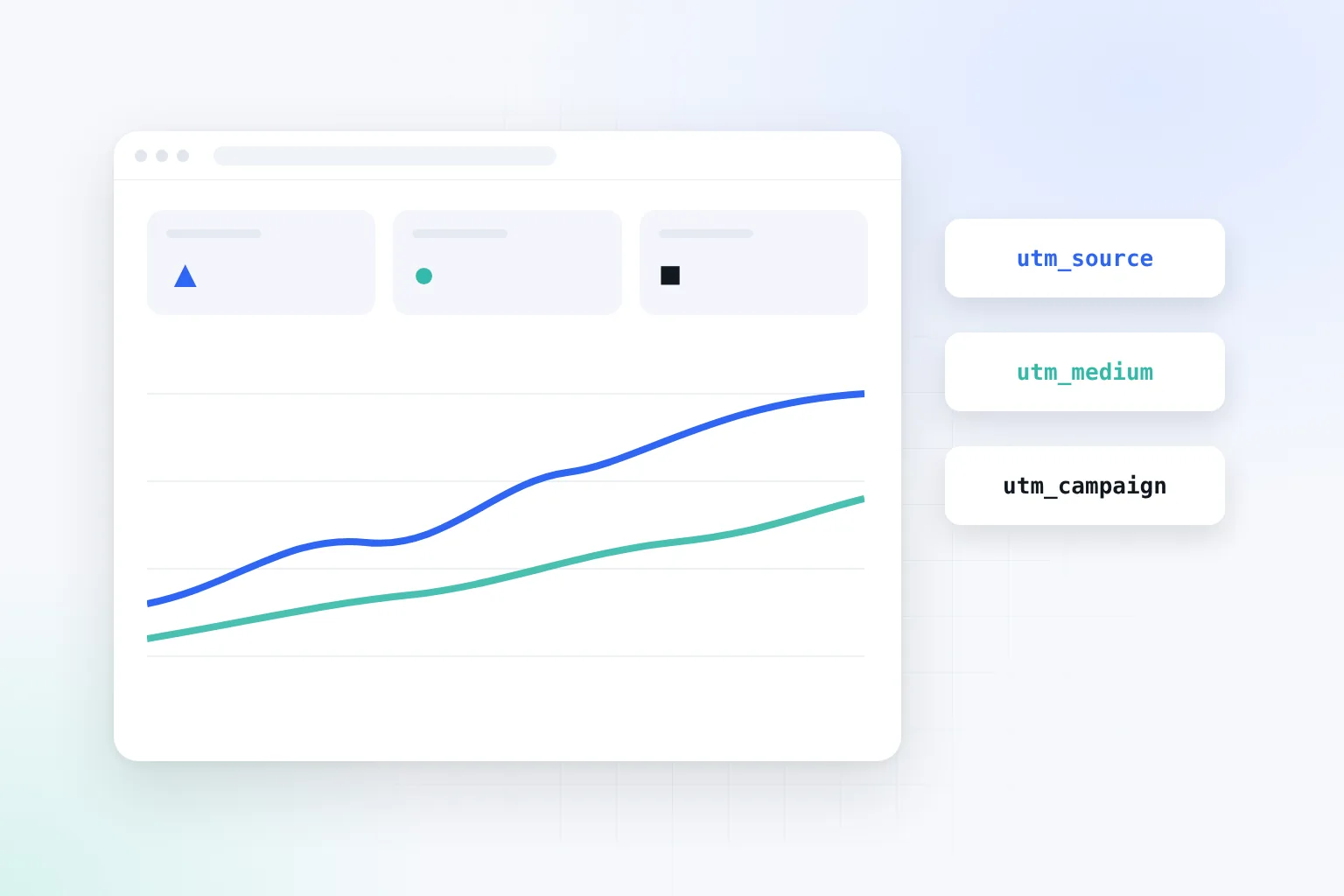
The real problem isn't tagging itself, but inconsistency. If the same campaign is written as "Instagram" by one person, "instagram" by another and "ig" by a third, the report shows three separate rows. To prevent this, keep a shared dictionary:
- Source (utm_source): where the traffic comes from; for example instagram, facebook, newsletter, brochure.
- Medium (utm_medium): the type of channel; for example social, email, cpc, qr.
- Campaign (utm_campaign): the name of the campaign; for example 2026-october-winter-campaign.
- Everything in lower case, with no special characters and no spaces; hyphens between words.
- Don't add UTM tags to internal links on your own site; doing so erases the visit's real source.
- If Google Ads links work with auto-tagging, you may not need to add UTM tags by hand; don't mix the two.
Keep the dictionary in a shared spreadsheet and generate every new campaign link from there. When a furniture shop in Turgutlu uses separately tagged links for the QR code on its trade fair brochure, its Instagram ads and its WhatsApp announcement, at the end of the month it can see separately how many visits and enquiries each effort brought to the site.
How do you prepare the monthly report?
The monthly report isn't prepared to list last month's numbers, but to make next month's decisions. A simple structure of no more than one page is enough for most businesses:
- The month's goal and the actual result, using the same definitions as the previous month.
- Visits, enquiries and qualified enquiries by channel.
- The outcome from the CRM or sales records: how many enquiries turned into meetings, and how many into sales.
- Measurement notes: broken events, missing data, test records.
- At most three priority tasks for next month, with owners.
Don't confuse visit statistics with qualified enquiries. A channel that brings many visits to the site may bring no enquiries at all. To match form enquiries with sales records, the structure in our form, email and CRM flow article makes your job easier.
Find the bottleneck with a conversion funnel
When total enquiries drop, a single number doesn't show where the problem is. Break the visitor's path into steps: arriving on the site, the service or product page, the form page, the successful submission. Compare the drop-off at each step by device and channel. For example, if many people reaching the form page on mobile don't submit, the problem is in the form, not the ads. Make the change based on a single hypothesis and measure its result in the next report.
Also think about who will read the report. Business owners usually look at the first half page: did enquiries go up or down, why, and what do we do now? Detailed tables can sit in an appendix. Sharing the report once a month along with a short meeting ensures decisions are actually carried out and followed up in the next month's report. Using the same report template every month makes changes easier to see.
Common mistakes
- Recording every click as an event without a plan.
- Triggering the form event when the button is pressed.
- Sending personal data in event parameters.
- Writing UTM tags differently each time, or adding them to internal links.
- Mistaking a measurement error for a drop in performance.
- Ending the report without decisions; presenting only charts.
Checklist
- The questions measurement will answer are written down.
- The event plan table is ready and up to date.
- Primary outcomes are marked as key events and tested.
- Cookie consent and measurement work together correctly.
- Internal traffic and test records are separated.
- The UTM dictionary is in a shared spreadsheet; all campaign links are generated from it.
- The monthly report includes the CRM outcome and next month's decisions.
When should you get expert support?
For a site with a single form and a few channels, you can set up this infrastructure yourself. When e-commerce purchase data, multiple domains, a tag manager setup, cookie consent management or CRM matching come into play, a small setup error can lead you to make wrong decisions for months.
If you would like to set up your measurement infrastructure and report template together, you can see how we work on our reporting and analytics page.

Let us hear about your situation and map out the right path for you, free of charge.