A website redesign guide: moving to a new site while keeping your SEO value
Inventory, redirect plan, staging environment and launch-day checks so you don't lose old URLs, search visibility or form enquiries when you redesign your site.
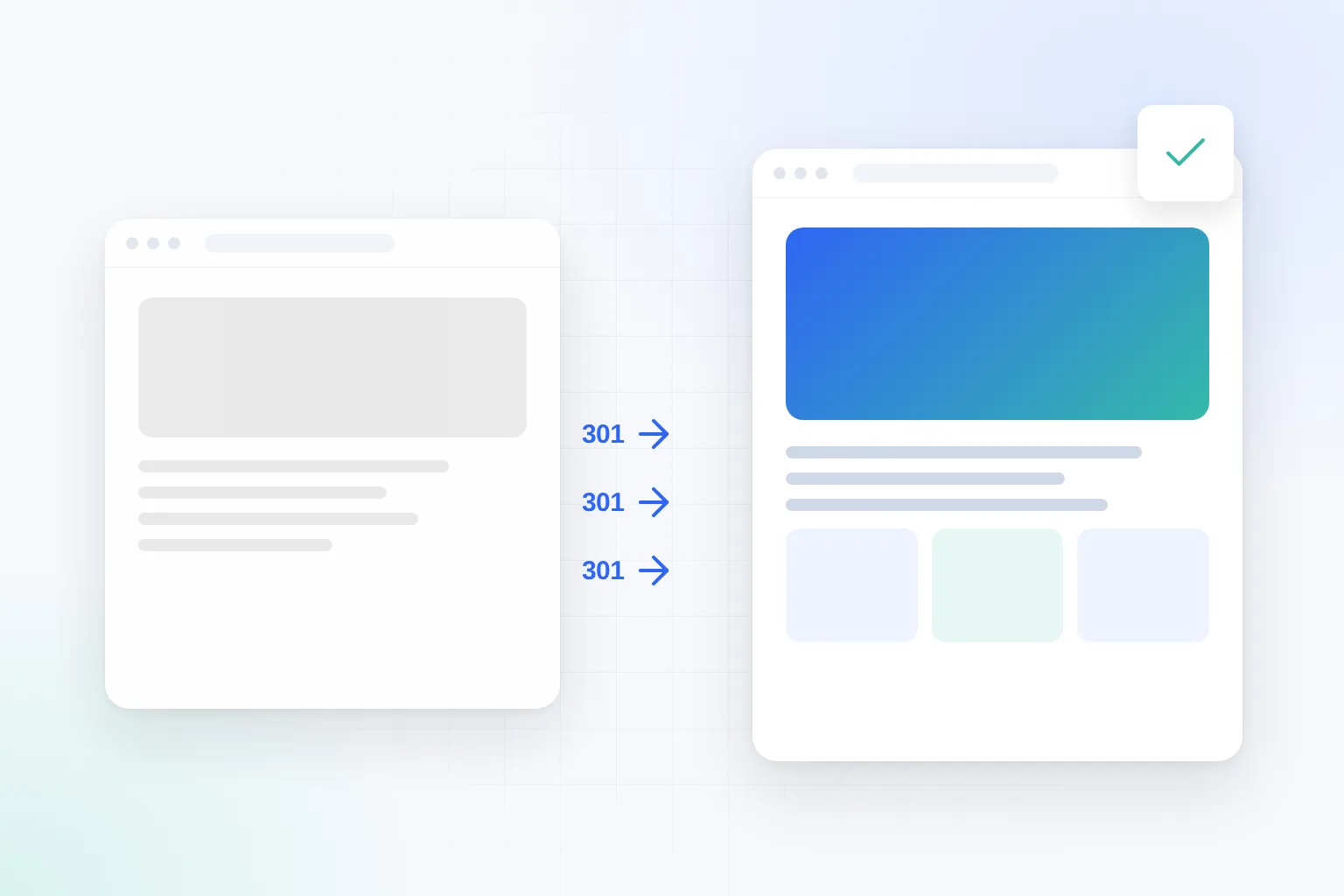
Hearing "enquiries from Google have dropped" a few weeks after a new design goes live is one of the most common problems in a site redesign. Most of the time the cause isn't the design. Old URLs have been deleted, well-performing pages have been removed, or the form doesn't reach anyone after launch.
A redesign isn't just a new look. The URLs, content, search visibility and customer enquiries the current site has built up should be handed over to the new site deliberately.
This guide offers a roadmap that a business owner planning a redesign can follow together with their agency. You don't have to handle every technical detail yourself. But knowing what to ask reduces surprises.
What should you record before starting the redesign?
The first job is to take a snapshot of the current site. This doesn't mean a screenshot, but a list of all the site's URLs and valuable content.
This inventory should include:
- Every page URL on the site: service, product, category, blog, project and legal pages.
- Pages that get visits from search engines and have links from other sites. If you have Search Console and analytics accounts, you can pull this information from there.
- The current title and meta description of each page.
- Forms, phone and WhatsApp links, downloadable PDF files.
- Third-party connections such as analytics, ad conversion and cookie consent code.
This list becomes common ground for discussing what will be kept, merged or removed on the new site. The answer to "What was on the old site?" isn't left to guesswork.
Once the inventory is ready, make one of three decisions for each page: keep, merge or remove. A service page that gets visits and is still accurate is kept; its text can be updated, but its topic doesn't change. Short pages covering the same topic from different angles can be merged into a single, stronger page. A page for a service you no longer offer is removed. Making these decisions before design starts also keeps the page plan realistic.
Consult your sales team when making these decisions. A page that looks weak in search data may be a link that is often sent to dealers over WhatsApp. Pages like that should also go on the keep list.
How do you redirect old URLs?
If the URL structure is going to change, every important old URL should be connected with a permanent (301) redirect to the new page closest to it in content. That way, both visitors clicking an old link and search engines end up in the right place.
Follow these steps to prepare the redirect plan:
- Next to each old URL in the inventory, write its new counterpart.
- Point merged pages to the new page they were merged into. For example, if two short service articles have been combined into one comprehensive page, both go there.
- Mark pages that are genuinely removed and have no counterpart separately. For these, the nearest parent category or a related service page can be chosen.
- Avoid redirect chains. An old URL should go directly to the final URL, not to an intermediate one.
- Test the plan one by one in the staging environment before launch.
Sending all old URLs to the home page looks easy, but it doesn't give visitors the answer they were looking for. Search engines also often treat such mass redirects as if the page wasn't found.
If the refreshed content really is different, update the title and meta description to match. Keeping the old title alone doesn't preserve visibility; the content and the title should say the same thing.
How do you handle the staging environment and launch preparation?
The new site should be built in a separate staging area, not at the live address. This area should be password-protected or blocked from search engines. Otherwise half-finished pages can be indexed and copies competing with the old site can appear.
Work with real content in the staging environment. Long product names, real photos and real service texts reveal problems that placeholder text doesn't. On mobile, the menu, buttons and forms should each be tested separately.
A site that runs on a local computer or a test server may not work the same way on the live server. The PHP version and extensions, database settings, HTTPS certificate and email sending should be verified separately in the hosting environment. In particular, check whether form emails are sent through an authenticated method such as SMTP.
Also set a content freeze date. If new products or announcements keep being added to the old site while the new one is being prepared, this content can be forgotten and never moved over. Keep everything added after the freeze date on a separate list and transfer it to the new site before launch.
Right before launch, take a backup of the old site's files and database. Verifying in a separate environment that this backup can be restored makes rolling back safe if something goes wrong. We cover backups in more detail in our backup and restore plan article.
An example scenario from Manisa
Imagine a machine parts manufacturer in the Manisa Organised Industrial Zone. On the old site each product has its own page; on the new site products will be grouped into series. The inventory turns up thirty old product URLs. Each one is redirected to the relevant series page, and the old product codes stay visible on the series page. That way, a dealer who clicks a link in an old PDF catalogue reaches the right series and the code they're looking for.
What should you check on launch day and afterwards?
One person opening the home page on launch day isn't a sufficient check. Tie the checks to a list, and write a date and an owner next to each item.
- Open important pages directly by their URLs: service, product, blog and legal pages.
- Test that old URLs picked at random from the inventory go to the right new page.
- Submit the form; confirm that the record is created and the notification reaches the right person.
- Submit the same form again to see whether a duplicate record is created.
- Verify that the sitemap and robots files reflect the new structure and that the staging block has been removed.
- Check analytics and cookie consent behaviour.
Because of DNS or caching, some users may see old files for a while. Don't mistake this for a content error. In the first weeks after launch, regularly monitor the not-found reports in Search Console, form enquiries and visibility for important searches.
There may be short-term fluctuations in visibility during this period. It takes time for search engines to crawl the new URLs and match them up. Instead of panicking and changing redirects, review the URLs that appear in the not-found report one by one and fill in the missing mappings. Submitting the new sitemap to Search Console is also part of this process.
Common mistakes
- Deleting pages that get visits because the design changed.
- Redirecting all old URLs to the home page.
- Leaving the staging environment open to search engines, or forgetting it's blocked after launch.
- Breaking content or functionality to raise the speed score.
- Going live on the assumption that "it worked for us" without testing the server environment.
- Handing over the domain, hosting and admin access without writing down who holds them.
Checklist
- Current URLs and valuable pages have been inventoried.
- Old-to-new URL mapping has been completed and tested.
- Titles and meta descriptions match the new content.
- The staging environment was blocked from search engines and opened at launch.
- A backup of the old site has been taken and verified as restorable.
- Forms, email notifications and phone links have been tested on the live site.
- Sitemap, robots and HTTPS have been checked.
- Someone has been assigned to monitor the first week.
When do you need expert support?
If your site has many products or blog posts, if the URL structure is changing fundamentally, or if the site is published in more than one language, doing the redesign with a professional plan reduces the risks. This doesn't guarantee rankings, but it lowers the chance of losing content that works.
If you'd like to plan your site redesign together, from the inventory to post-launch monitoring, you can share your current site's address through our quote form.

Let us hear about your situation and map out the right path for you, free of charge.