A multilingual website and hreflang guide for exporting companies
A multilingual site plan for exporters: a step-by-step guide to choosing languages, URL structure, hreflang tags, technical translation, forms and PDF files.
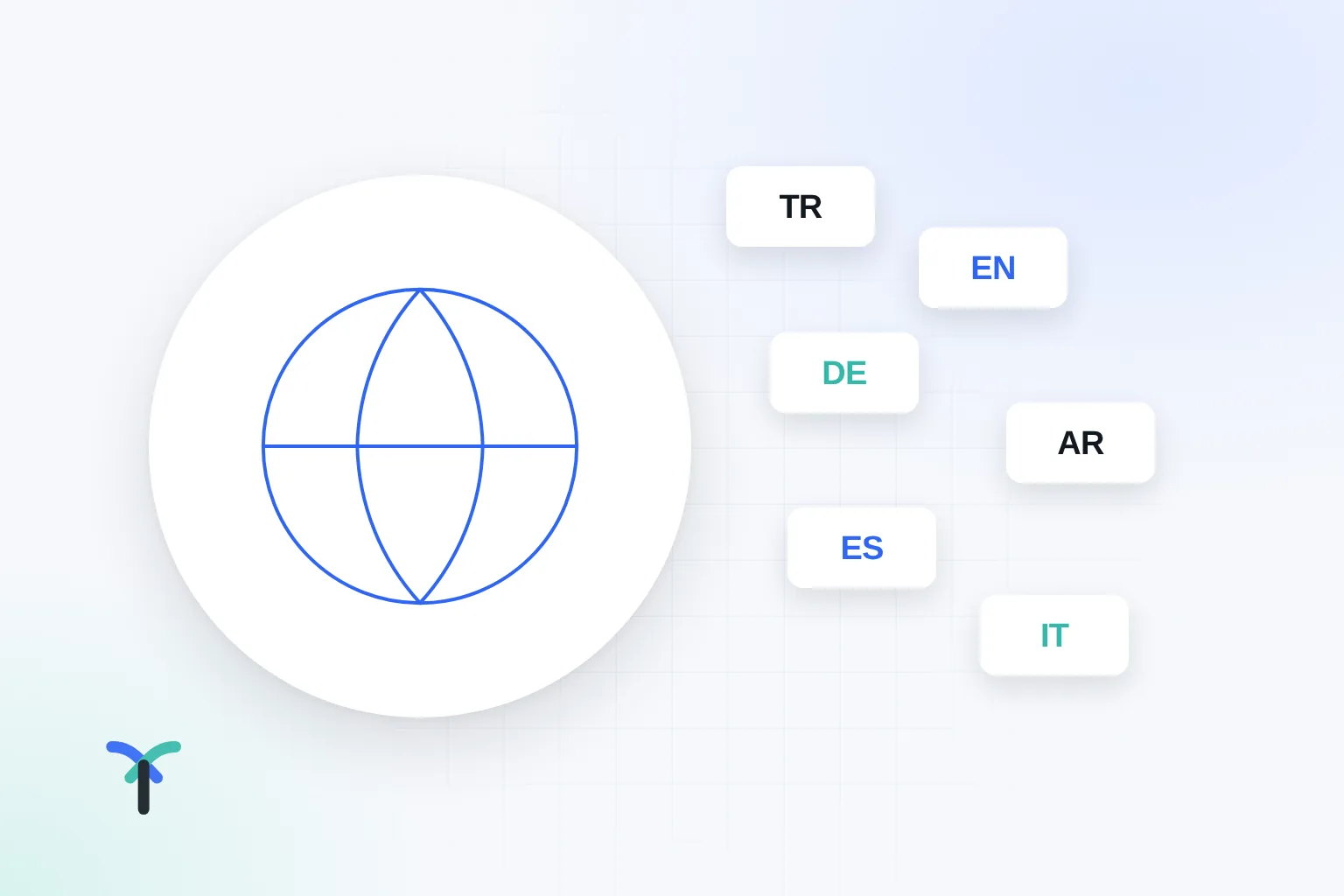
A buyer abroad is looking for your product, arrives on your site and selects English from the language menu. The menu changes, but the product description stays in Turkish, the quote form shows its errors in Turkish, and the catalogue PDF is only in Turkish. This person will most likely leave without filling in the form.
A multilingual site isn't finished when the menu is translated. Each language version should work like a complete site where a buyer who speaks that language can find the product, understand it and request a quote. Search engines also need to understand which page belongs to which language.
This guide was written for manufacturers in and around Manisa that export or are preparing to export. We explain the steps, from choosing languages to hreflang tags, in plain language.
Which languages should you start with?
The choice of language should come from your sales goals. The "the more languages the better" approach produces half-finished versions that can't be maintained. Every new language means product copy, forms, emails, PDFs and enquiries that need to be understood.
Before starting, answer these questions with your sales team:
- Which countries do you receive enquiries from today?
- Which markets are you planning trade fairs or dealer visits in over the next two years?
- Who will read and answer enquiries that arrive in a foreign language?
- Who will check the technical copy in that language?
For most manufacturers, English is a sensible first step. German, Arabic, Russian or another language can follow, depending on real sales goals. Right-to-left languages such as Arabic need separate attention in the design; if this language will be added later, the platform should be chosen with that in mind from the start.
How should the URL structure be set up?
Each language version should have its own separate, permanent address. A setup that switches the language at the same address based on the browser language or a cookie makes it hard for search engines to see the versions separately.
There are three common options. The first is using folders under the same domain, for example /en/ and /de/. The second is a subdomain, for example en.yourcompany.com. The third is a separate domain for each country. For a small or medium-sized manufacturer, the folder structure is usually the most manageable option. You work with one site, one admin panel and one maintenance plan.
Don't automatically redirect visitors to another language based on their IP address. A Turkish buyer in Germany may want to see the Turkish page. Offer a visible language selector instead. When the language changes, the user shouldn't be thrown back to the home page, but should move to the other language page of the same product.
What is hreflang and how do you add it correctly?
Hreflang is a tag that tells search engines about a page's other language versions. That way, someone searching in English can be shown the English page, and someone searching in Turkish the Turkish page. Hreflang is not a ranking tool; it helps the right version be shown to the right person.
For a correct setup, follow these steps:
- Each page should list all language versions, including itself.
- Links should be reciprocal: if the Turkish page points to the English one, the English page should point to the Turkish one.
- Write language codes in the standard format, such as tr, en and de. If a country is needed, use the language-country format, such as en-GB.
- Specify a default page with x-default for visitors whose language can't be determined.
- The canonical tag of each language version should point to its own address, not to the Turkish page.
- Define the tags consistently in the page code or in the sitemap; don't use both in ways that contradict each other.
- After launch, check for errors in Search Console and with a crawling tool.
These settings shouldn't be made one by one by hand; the content management system should link the language versions to each other and generate the tags automatically. Otherwise, the tags easily go missing when a new product is added.
Consider translating page addresses too. Turkish words remaining in the address of an English page don't break anything, but they can give the buyer an impression of unfinished work. Decide the addresses correctly from the start; changing them after launch requires redirects.
Translation isn't just text: what do you need to translate?
Small pieces matter as much as the product description. When a buyer abandons the process halfway, the reason is often an untranslated error message or a form field they don't understand.
Add the following to your translation list:
- Page titles, meta descriptions and image alt text.
- Form fields, error messages and the thank-you text after submission.
- The automatic email sent to the customer after the form.
- Technical tables, units of measurement and tolerance expressions.
- PDF catalogues, technical data sheets and user manuals.
- The cookie notice and privacy texts.
Technical terms should be approved by the sales team and production. The dictionary equivalent isn't always the term used in the industry. Write commercial expressions such as units of measurement, delivery terms and payment terms the way your sales team uses them. Never write, in any language, a certificate you don't hold or a delivery time you can't guarantee.
Find the term buyers use in each language
Translating your Turkish page word for word may not capture the phrase a foreign buyer searches for. The same product may be searched for under different names in different countries. So for each language, first collect the terms your customers use in their emails, orders and trade fair meetings. Looking at competing manufacturers' sites in that language also gives you ideas. Write the page title and product name based on these terms.
Adapt your contact information for foreign buyers as well. Write the phone number with the country code, state that working hours are in Türkiye time, and give the name or email address of someone who can correspond in English. On the analytics side, track enquiries separately by language version. That way you can see which language actually brings in enquiries.
Machine translation can be used for a draft. Before publishing, someone who knows the language well and the technical team should read the text on screen, together with the page layout.
An example scenario from Manisa
Imagine a company in the Manisa Organised Industrial Zone that makes machine spare parts. Enquiries mostly come from Europe and the Middle East. The company first publishes a complete English version: product series, technical values, a PDF catalogue and a quote form that arrives with the product code. A sales representative is assigned to read English enquiries. The Arabic version is added in a second phase, after the right-to-left layout has been tested and the technical translation approved.
This approach gives you two complete languages instead of five half-finished ones at the same time. We explained in detail how to structure your product catalogue in the article on digital product catalogues for manufacturers.
Common mistakes
- Translating only the menu and leaving the product copy in Turkish.
- Switching all languages at a single address using a cookie.
- Adding hreflang tags in one direction only.
- Pointing the canonical tag of every language version to the Turkish page.
- Forcing visitors into another language based on their location.
- Not deciding who will answer enquiries that arrive in a foreign language.
- Publishing machine translation without checking it.
Checklist
- Each language version has its own address and its own canonical tag.
- Hreflang tags are reciprocal and include the page itself.
- The language selector takes the user to the other version of the same page.
- Forms, error messages and automatic emails have been translated.
- PDF files were prepared separately for each language and linked from the right page.
- Technical terms were approved by the sales and production teams.
- A scenario of finding a product and requesting a quote was tested end to end in each language.
When should you get expert support?
If your current site doesn't support a multilingual structure, you have a large number of products, or you are going to add a right-to-left language, making the platform decision with an expert reduces rework later on.
If you would like to put together a site plan suited to exporting, take a look at our corporate website service. We can review your current site's language structure together.

Let us hear about your situation and map out the right path for you, free of charge.