Before you commission a corporate website: needs, brief and page plan
A step-by-step brief guide to clarify your site's job, customer questions, content inventory and page plan before you ask for website quotes.
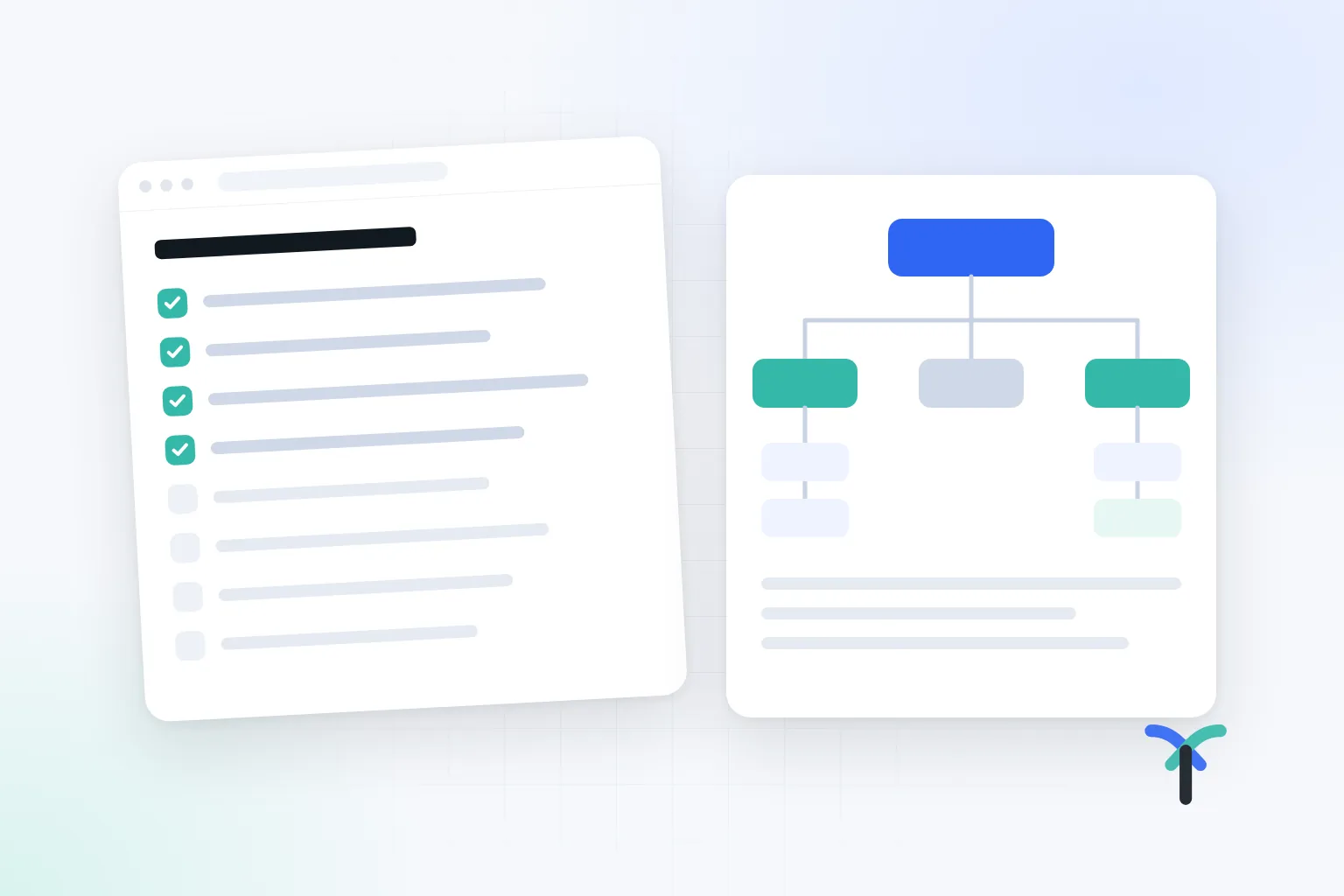
Website projects usually drag on not because of the design, but because of an incomplete start. A project that begins with "we want a modern, clean site" can, a few weeks later, turn into debates about colours, copy that never arrives and a page list that keeps changing.
This guide is meant to help you gather the information you should have in hand before your first meeting with an agency. The goal is not to know every answer. The goal is to write down clearly what you know, what you don't know and who will make the decisions.
A well-prepared brief also makes it easier to compare the quotes you receive. When everyone prices the same need, the differences become much clearer.
Does your business really need a website?
The easiest way to answer this is to look at how customers find you. If someone searches for your name on Google, a dealer asks for your product catalogue, or a person coming from Instagram writes "where are the prices and the address?", you need a place where this information is kept in order.
A website does not replace social media. It acts as a hub between social media, Google and WhatsApp. Social media posts scroll away; a service page on your site keeps answering the same question for months.
Investing in a site makes sense if any of the following applies to you:
- Your sales team answers the same questions every day.
- Product or service information is scattered across PDFs, WhatsApp and phone calls.
- Most new customers arrive after doing their own research, without knowing you.
- You work with dealers, export buyers or corporate clients and need to show you can be trusted.
How do you write the site's job in one sentence?
The first line of the brief should describe what the site is for. "It should look stylish" is an expectation, not a job. The job is the task you want the visitor to complete on the site: requesting a quote, booking an appointment, finding the right product, downloading a catalogue or applying to become a dealer.
There may be more than one job. In that case, put them in order of priority. The order of content on the home page, the wording on the buttons and the fields in the form are all decided by this order.
An example job statement could be: "The site's first job is to let industrial buyers review our product series and request a quote with technical details; its second job is to collect dealer applications."
On the first screen, a visitor looks for answers to three questions: What do you do, who do you serve, and what is the next step? Your job statement should include the answers to these three questions.
What information should the brief include?
Filling in the steps below in order makes the first meeting productive. Short notes for each step are enough; you don't have to write a long document.
- Target customer: Who do you sell to? End consumers, dealers or corporate buyers? Each group looks for different information on the site.
- Customer questions: Write down the five questions you are asked most often in sales conversations. Questions about scope, timing, delivery, region and payment are the raw material of the page plan.
- Primary contact step: Phone, form or WhatsApp? Choose which one will be the main call to action.
- Content inventory: Gather your existing copy, photos, catalogues, technical documents, certificates and references in one folder.
- Features: Instead of "we want an admin panel", write down who will update what, and how often.
- Integrations: If you need payment, CRM, shipping or accounting integration, name the providers you use.
- Approval and timeline: Write down who will approve the design and copy, the target launch date, and the real reason behind that date if there is one.
Describing features with examples lets the scope be estimated correctly. A sentence like "We'll add two new projects a month, we update products once a year, and form requests should go to the sales manager" is more useful than a page of technical description.
Why does the content inventory come before design?
This is where projects stall most often: the design is approved and everyone is waiting for the copy. So split what you have into three groups from the start: current and usable, to be recreated, and not to be used.
Check the usage rights of your photos. Do not present an image you found online as if it were your own project. If you don't have real photos of your production, team and products, add a photo shoot to the schedule.
Assign a content owner to every page. For example, the sales manager prepares the service copy, the production manager prepares the technical product information, and the business owner writes the company text. If no one owns the content, even the best design cannot go live.
While building the inventory, also note what is missing. For example, the technical dimensions of your product series may only exist in an old catalogue. It may be unclear whether your certificates are still valid. Making these visible from the start lets you discuss whether the agency will include content production in the scope. Copywriting and photography both take separate effort and should appear as separate items in the quote.
How should you build the page plan?
A crowded menu does not mean strong content. A good page plan shows where the customer will find the answer to each question. Start by assigning one visitor question to each page.
Group your services using the words customers use, not your internal department names. If customers search for "mould repair", writing "technical service solutions" in the menu makes things harder.
A typical page plan for a manufacturer might look like this:
- Home page: what you make, who you make it for, and the quote step.
- Product series: technical specifications, areas of use and a downloadable document for each series.
- Production and quality: the facility, the process and the certificates you actually hold.
- References or projects: examples you have permission to show and that can be verified.
- Quote and contact: a short form, phone number, address and map.
The topics your sales team explains again and again point to content missing from the site. The website and the sales conversation should cover the same scope. If you need a separate page for visitors coming from ads, you can also take a look at the landing page content plan guide.
An example scenario from Turgutlu
Imagine a furniture manufacturer in Turgutlu. Retail customers ask about models and colours. Dealers, on the other hand, want bulk prices, delivery times and a catalogue. If these two groups are written separately in the brief, the page plan becomes clear as well: model pages speak to retail customers, while the dealer page and the downloadable catalogue speak to dealers. Trying to meet two different needs with a single "contact" page mixes up the requests.
Common mistakes
- Collecting screenshots of competitor sites without writing down a goal. Liking something is a reference, not a job.
- Approving the design with placeholder text boxes. A real service name, a long heading and a long customer message reveal different problems.
- Looking only at the desktop screen. A large share of visitors open the site on their phone.
- Involving many people in the approval process at different times.
- Assuming the form works because the phone link works. Separately test who receives a written request and how.
- Not putting delivery files, domain and hosting ownership, and maintenance responsibility in writing.
Checklist
- The site's primary and secondary jobs are written in one sentence.
- Target customer groups and each group's main question are defined.
- The five most frequent customer questions are mapped to pages.
- An inventory of copy, photos and documents is done; usage rights are checked.
- Every page has a content owner.
- Update needs are written down with examples.
- Required integrations and providers are listed.
- The approver and the launch timeline are clear.
- The quote form has been tested on a phone with a real user.
- Domain, hosting, delivery files and maintenance responsibility are in writing.
When should you get expert support?
You can prepare the brief yourself. Still, if your product structure is complex, you address more than one customer group or you are renewing an existing site, an outside perspective helps. A page plan made at this stage takes less effort than changes made later.
If you would like to clarify the brief and page plan together for your corporate website project, you can write to us through the quote form with the notes you have.

Let us hear about your situation and map out the right path for you, free of charge.